Enhancing AI Coding Agents with Genesis Framework
DevBlog
Jul 31, 2026 · 4 min read · 29 views

Introduction to Genesis Framework for AI Coding Agents
Imagine a world where AI coding agents not only assist in writing code but manage entire projects with continuity and precision. That's the promise of the Genesis Framework. Designed to address the inherent limitations of current AI coding agents, Genesis represents a significant advancement in the landscape of AI-assisted software development.
The Problem with Current AI Coding Agents
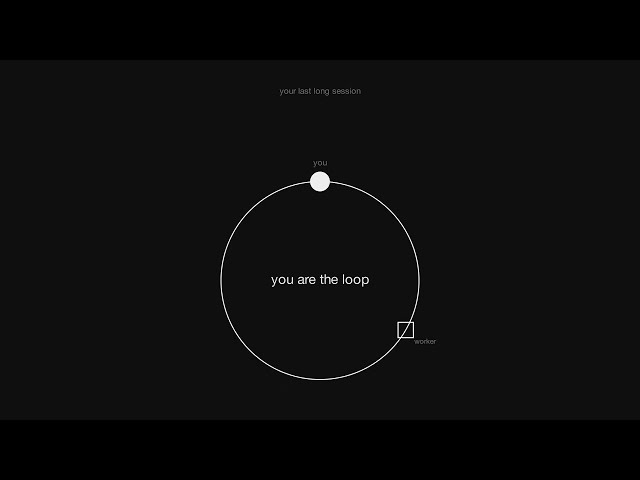
Current AI coding agents like OpenAI's Codex and GitHub Copilot have transformed software development by automating repetitive tasks and generating code snippets. However, they face significant limitations: they often forget previous sessions, lack robust code verification capabilities, and can inefficiently use resources.
The Need for Structured Development in AI-Assisted Coding
What software engineers need is a structured development process that mitigates these limitations. By organizing project memory in a structured, accessible manner, developers can ensure seamless project continuation and effective collaboration across teams.
How Genesis Enhances AI Coding Agent Efficiency
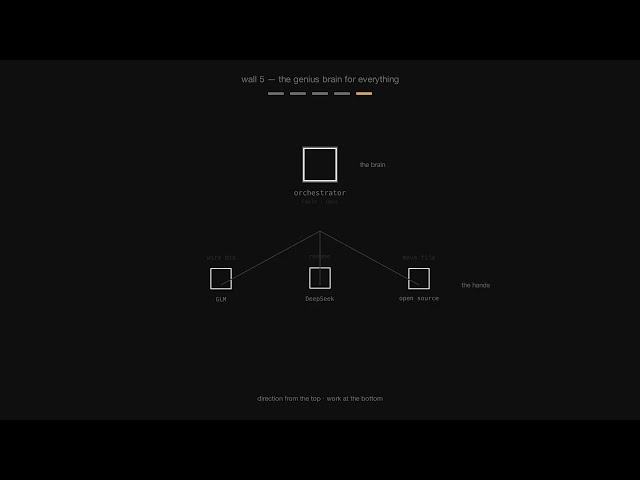
Genesis addresses these challenges by creating a dedicated folder within a project that contains several key files. These files help manage project memory, verify code, prevent redundancy, and optimize resource use by employing both proprietary and open-source AI models.
{
  "files": [
    "locked_goal_sheet.md",
    "plan.json",
    "implementation_notes.md",
    "code_map.html"
  ]
}
Key Components of the Genesis Framework
Genesis uses a combination of markdown, JSON, and HTML files to provide structure:
- Locked Goal Sheet: Defines project objectives and prevents goals from being altered mid-task.
- Plan File: Breaks down projects into smaller tasks, each with a command for task verification.
- Implementation Notes: Tracks existing code to prevent redundant code generation.
- Code Invariants Map: Ensures continuity by mapping code blocks and their functions.
The Role of the Locked Goal Sheet in Project Management
The locked goal sheet is crucial for maintaining project integrity. It sets the objectives and completion criteria, ensuring that AI agents do not stray from the defined goals. This helps in maintaining a clear focus and prevents scope creep in projects.
Task Breakdown and Verification with the Plan File
The plan file is a JSON document that outlines each task within the project. It provides a command for verification, allowing both the developers and the AI to ensure the task's completion accurately.
{
  "tasks": [
    {
      "id": "task-1",
      "description": "Implement user authentication",
      "verification_command": "npm test auth"
    }
  ]
}
Implementation Notes: Tracking and Preventing Redundancy
Implementation notes serve as a running commentary of the codebase, detailing what has been implemented and why. This prevents the AI from generating redundant code and helps new team members understand the project's history and context.
# Implementation Notes
User Authentication
Implemented using JWT tokens.
Considered OAuth but deferred due to complexity for current scope.
Independent Code Verification: Enhancing Quality Assurance
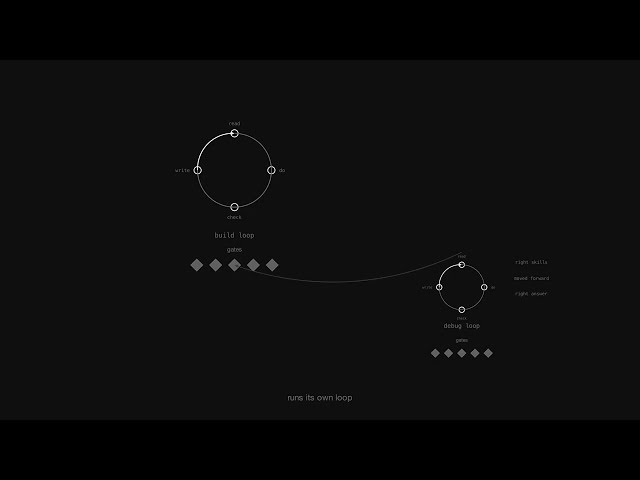
Genesis employs a secondary agent for independent code verification, which acts as a peer reviewer to the primary agent. This ensures unbiased validation, improving the quality and reliability of the generated code.
Key Use Cases for Genesis in Software Development
Genesis excels in several scenarios:
Pros and Cons of Using the Genesis Framework
Pros
Cons
Conclusion: The Future of AI Coding with Genesis
Genesis represents a major step forward in AI-assisted software development, addressing critical issues like memory limitations and code verification. By structuring the development process, Genesis allows developers to maximize the potential of AI coding agents, paving the way for more efficient and reliable software projects. As the community continues to contribute, the framework is poised to become an integral part of the software development ecosystem.