🚨 Your AI Is Useless Without These 8 MCP Servers
DevBlog
Mar 29, 2026 · 3 min read · 158 views

(Most Developers Haven’t Even Heard of Them)
Everyone is building with AI in 2026.
You’ve got access to powerful models, prompt engineering tricks, and maybe even some automation pipelines. But here’s the uncomfortable truth:
Your AI is only as powerful as the tools it can access.
Without the right connections, your AI is just… guessing.
This is where MCP (Model Context Protocol) changes everything.
🧠 What is MCP (Model Context Protocol)?
Model Context Protocol (MCP) is a system that allows AI models to connect with external tools, APIs, and data sources in a structured way.
Think of it like:
🔌 USB ports for AI
Without MCP:
Your AI talks
But can’t do
With MCP:
Your AI can read, write, execute, fetch, automate, and interact with the real world
⚡ Why MCP Servers Matter
Most developers are still stuck here:
Prompt → Response → Done
But advanced builders are doing this:
Prompt → Tool → Action → Result → Automation
That leap is powered by MCP servers.
🔥 8 MCP Servers You Should Be Using (But Probably Aren’t)
1. GitHub MCP Server
(Codebase Awareness + Automation)


Integrates your AI directly with GitHub.
What it unlocks:
Read entire repositories
Auto-generate PRs
Fix bugs across files
Review code intelligently
💡 Your AI becomes a real coding assistant, not just a chatbot.
2. Browser MCP Server
(Real-Time Web Access)
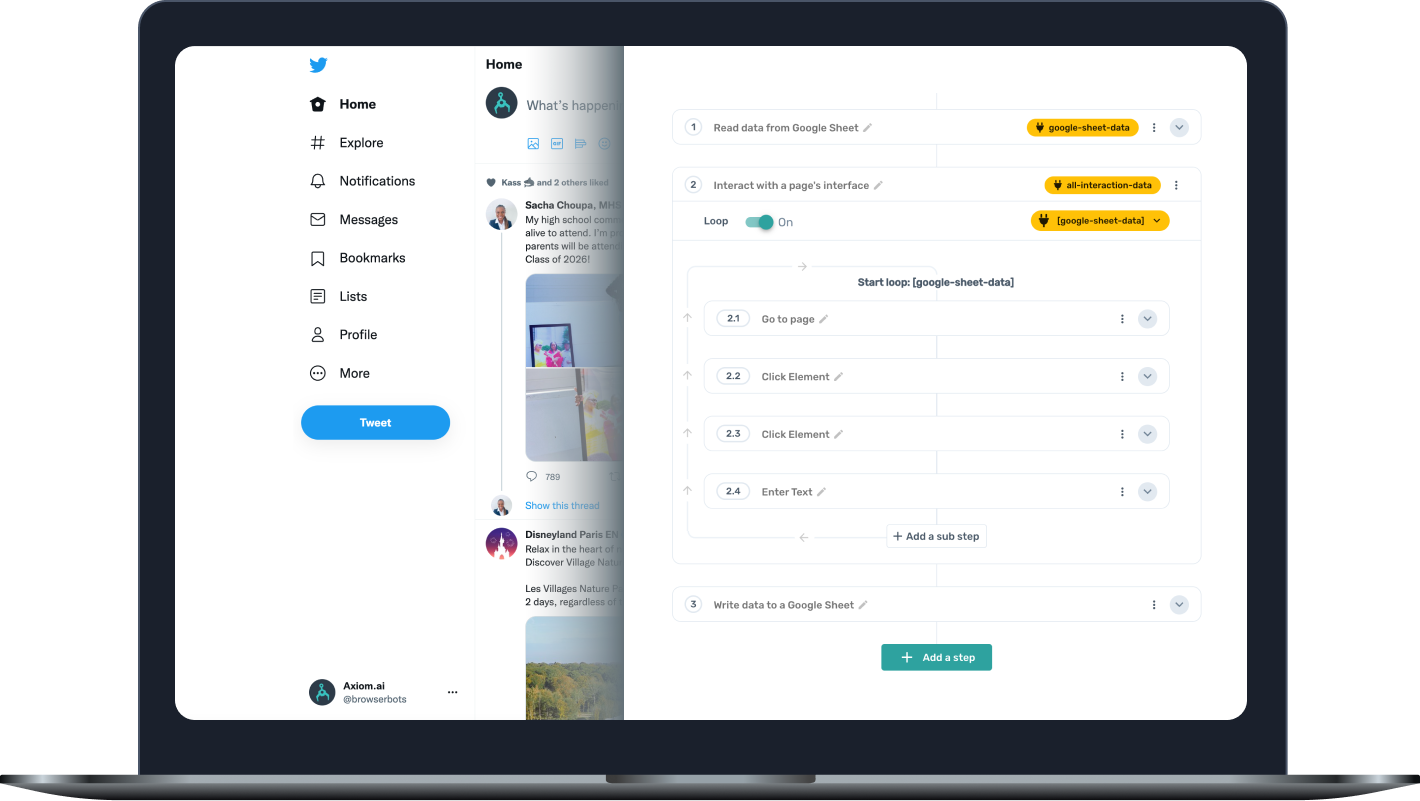


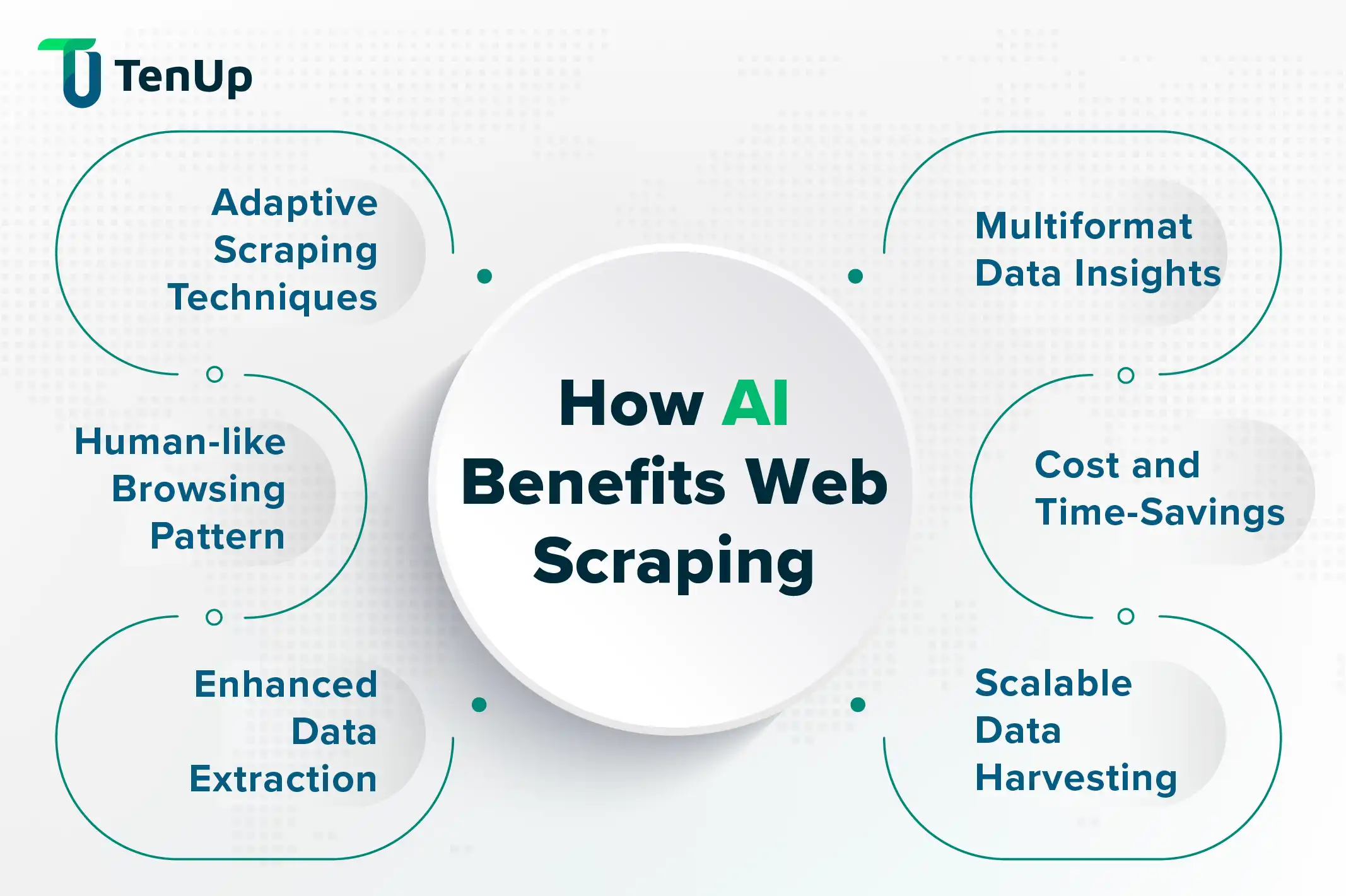
Lets your AI browse the internet like a human.
Use cases:
Scrape live data
Automate workflows
Test websites
Extract structured info
💡 No more outdated knowledge. Your AI stays live.
3. Database MCP Server
(Direct Data Access)
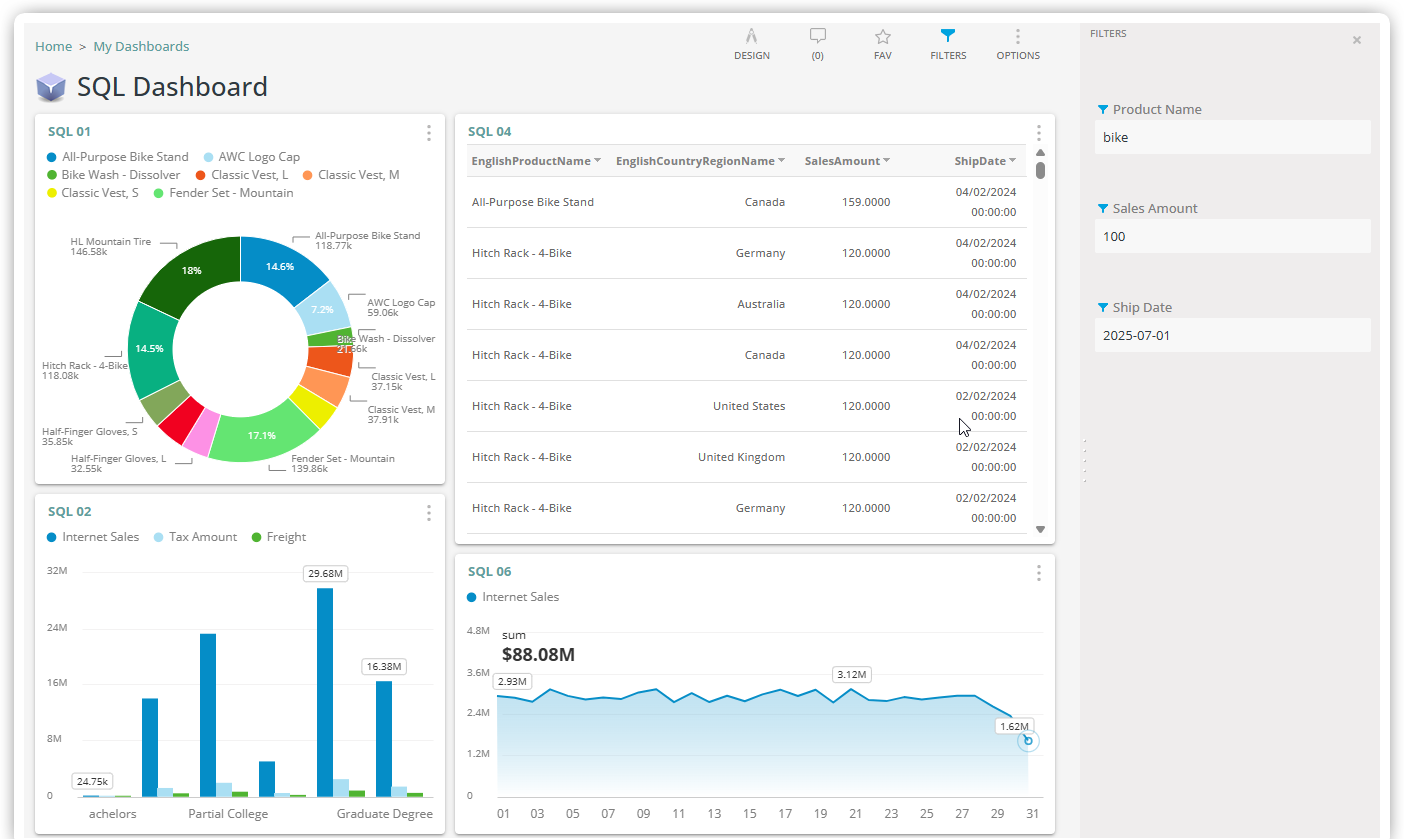
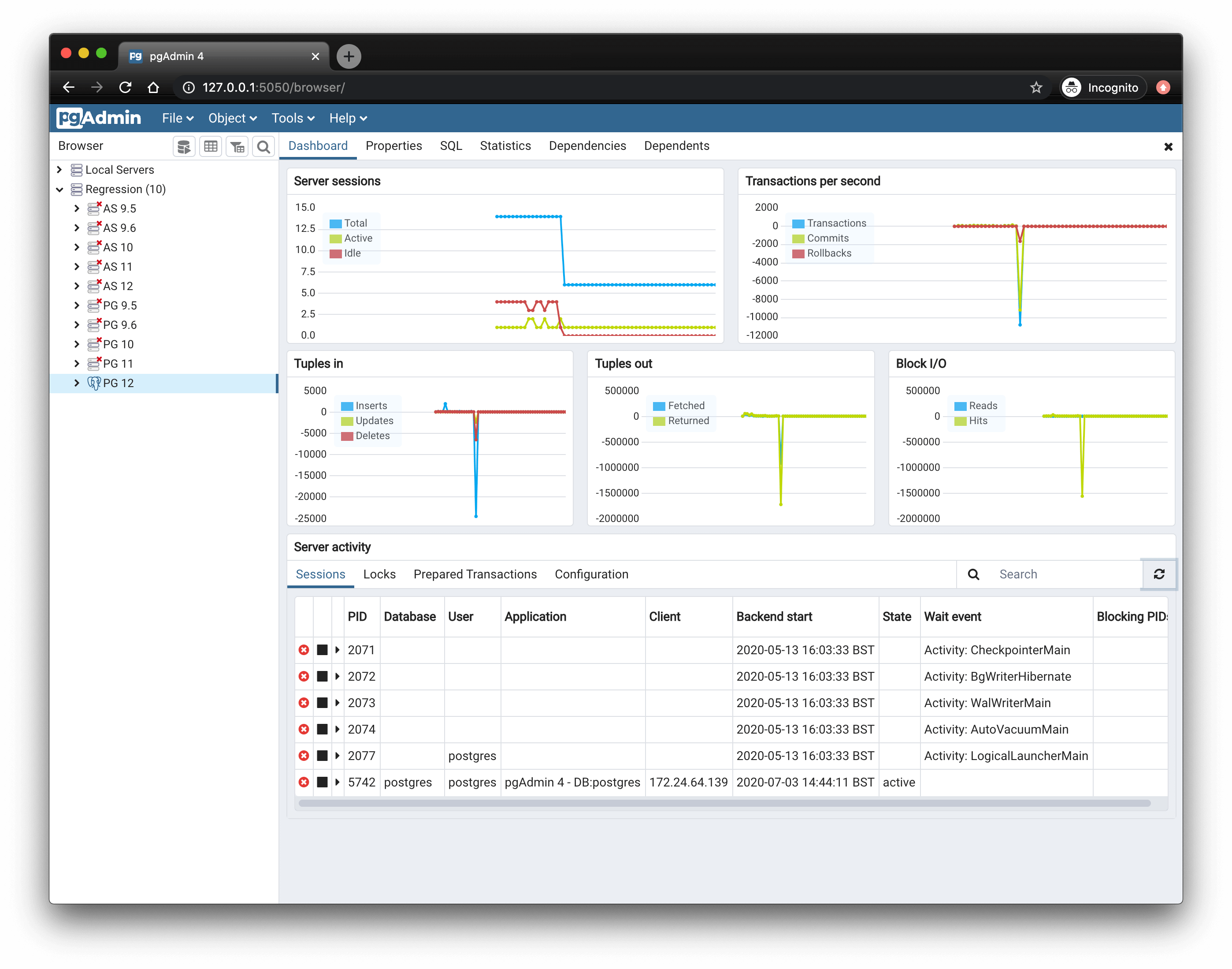
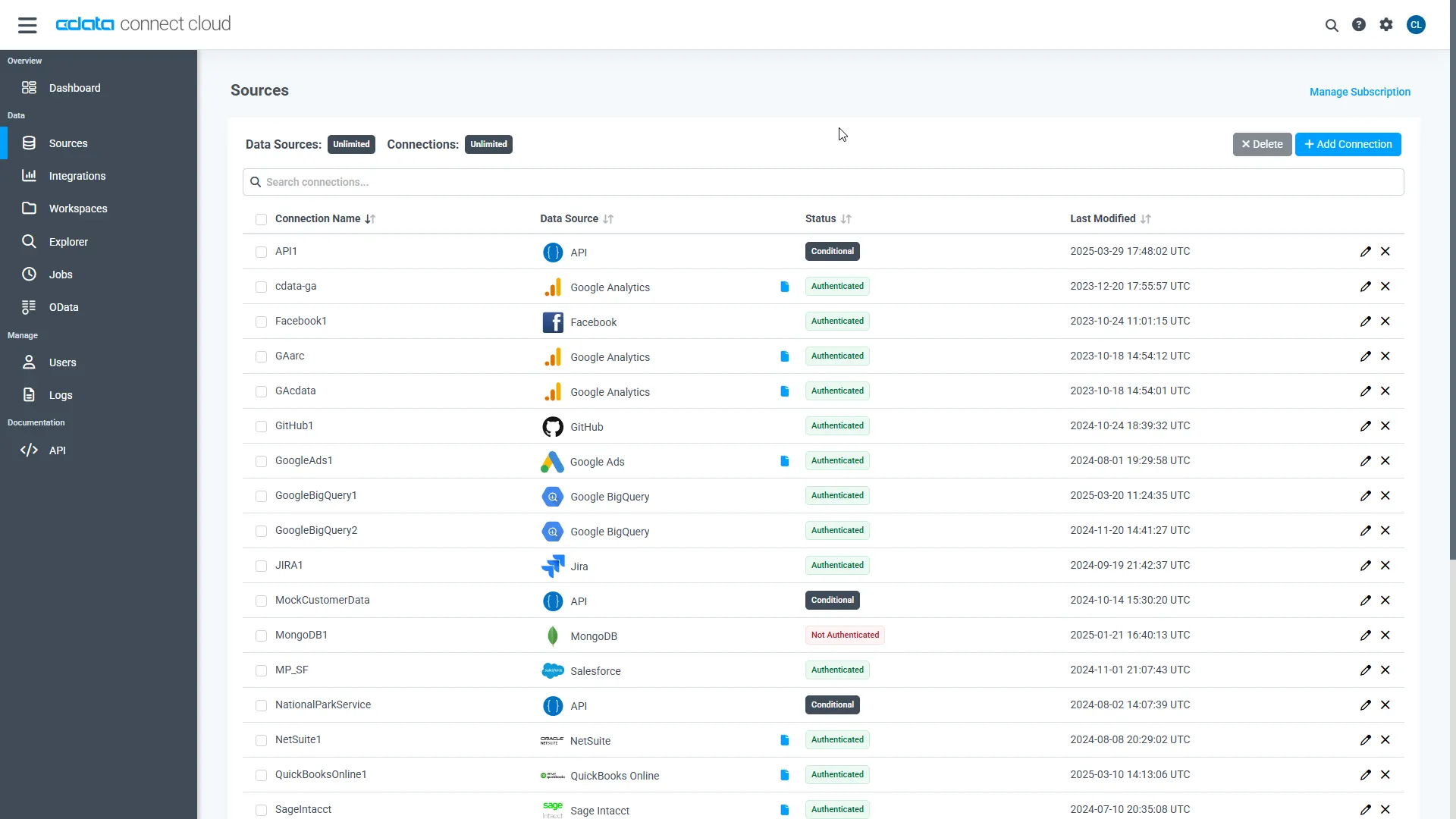
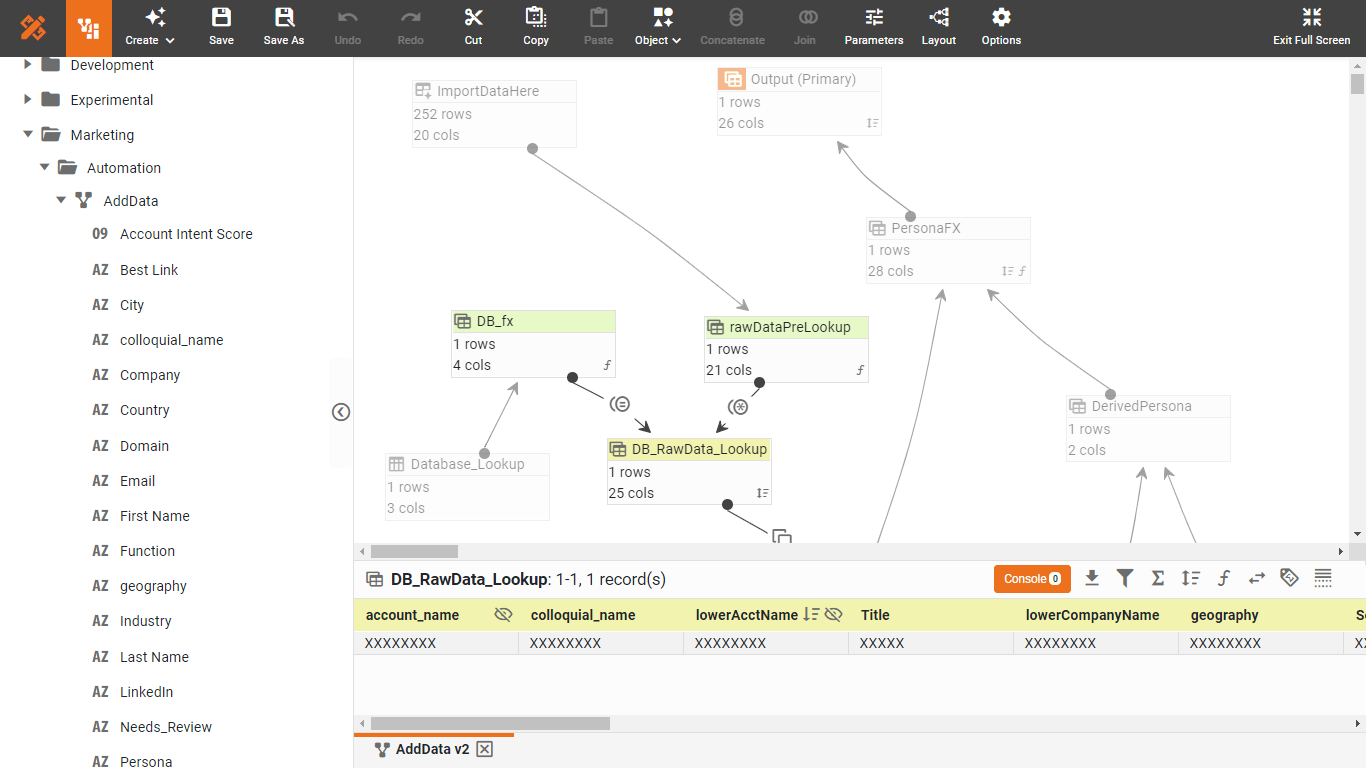
Connect AI directly to your database.
Capabilities:
Run SQL queries
Analyze user data
Generate reports
Detect anomalies
💡 Your AI becomes a data analyst on demand.
4. Filesystem MCP Server
(Local File Control)
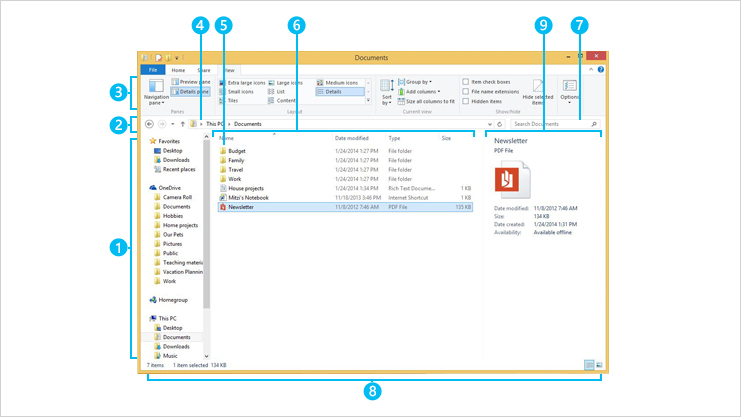
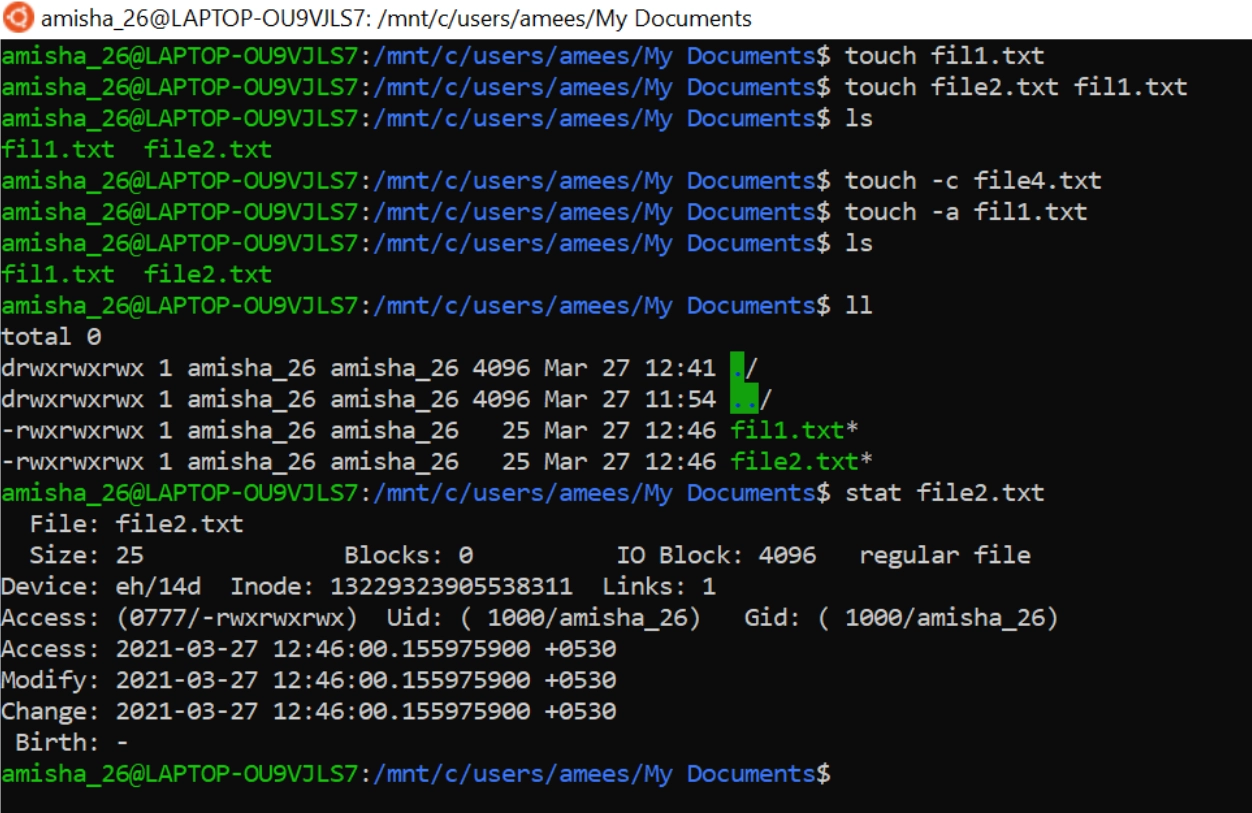
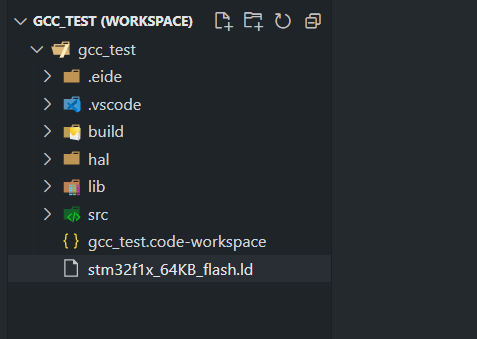
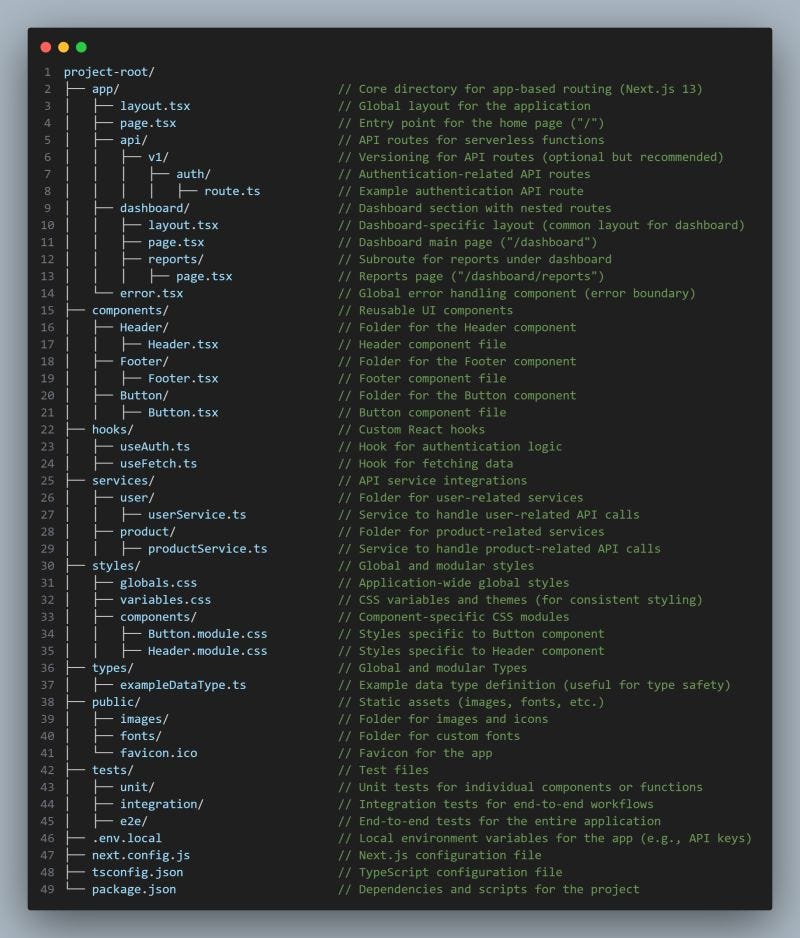
Allows AI to read/write files locally.
What you can do:
Generate project files
Refactor codebases
Organize assets
Build apps end-to-end
💡 This is where AI starts acting like a developer agent.
5. Slack MCP Server
(Team Communication Automation)
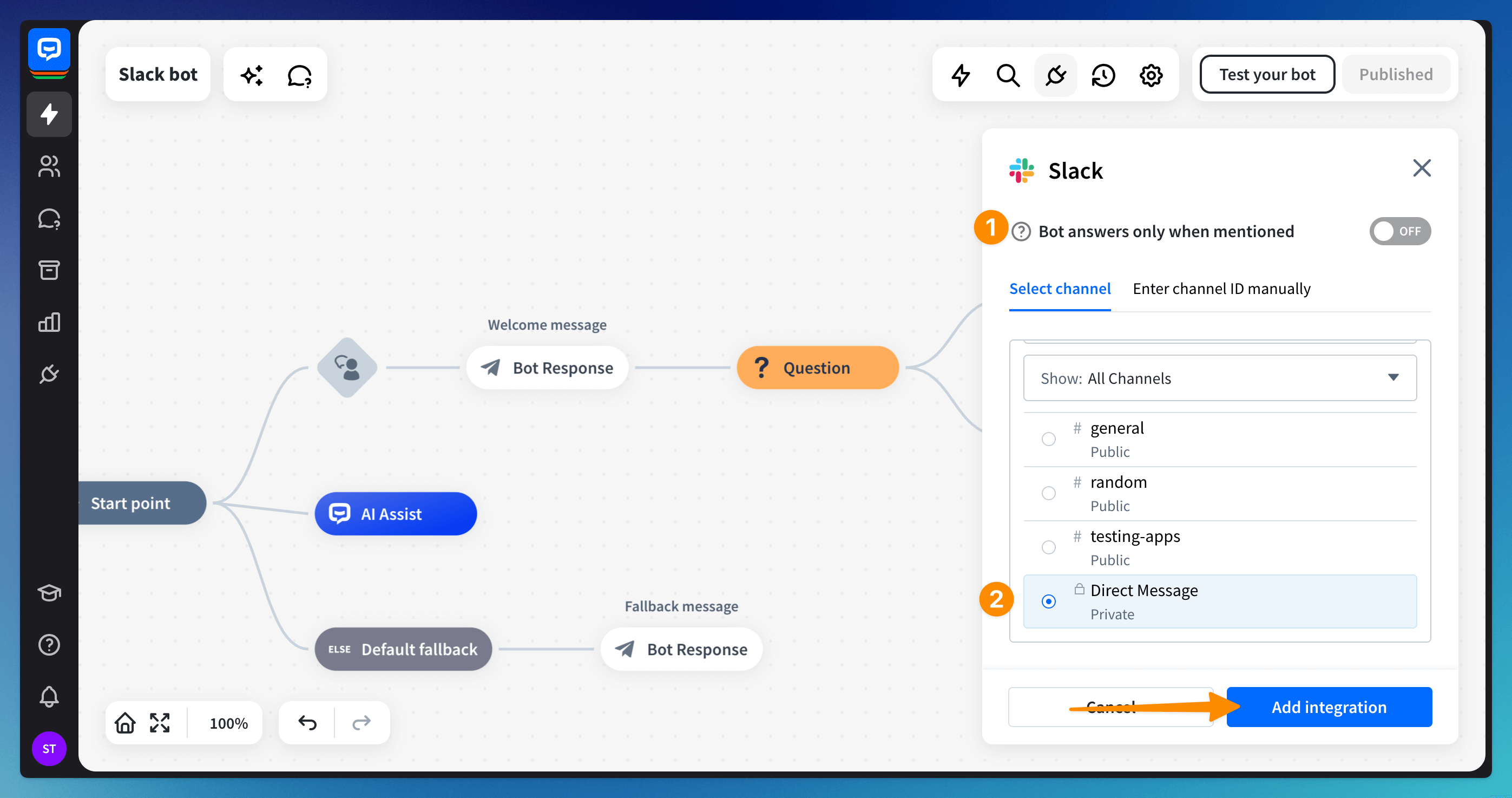
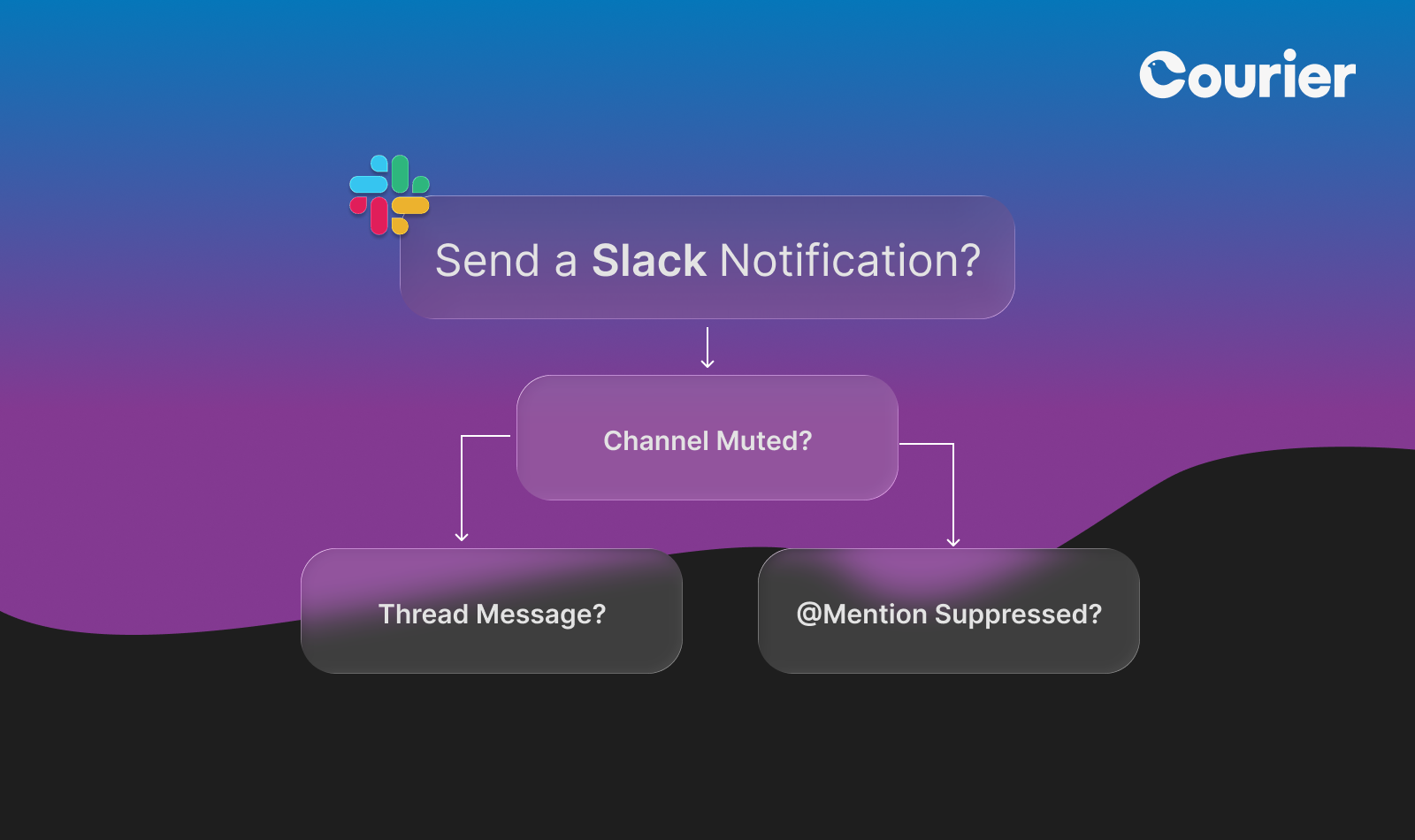
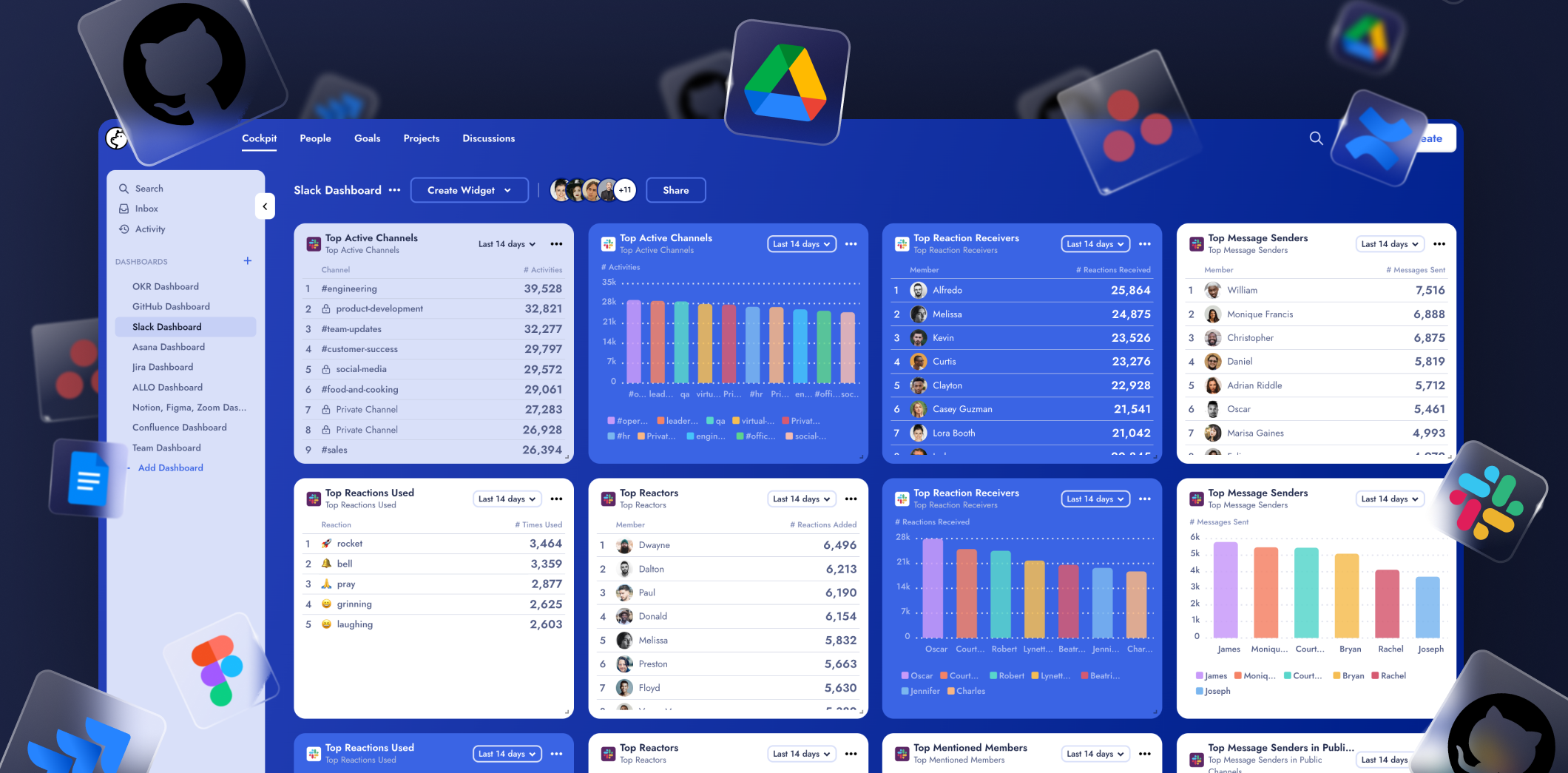
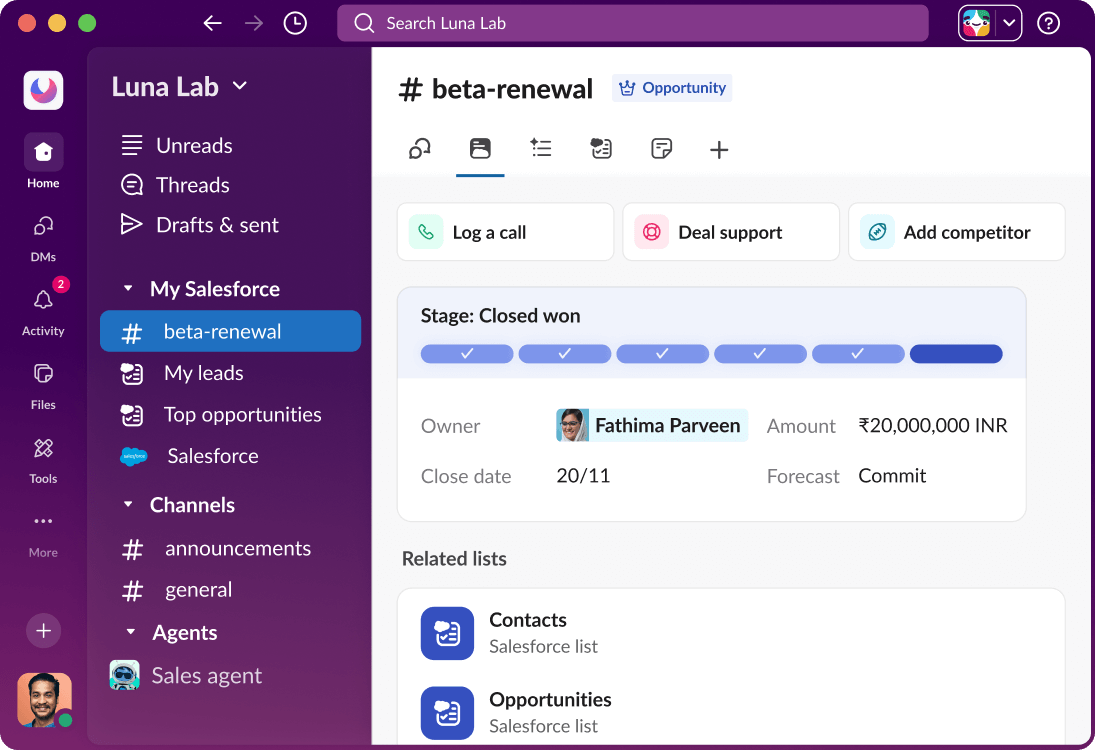
Integrates AI with Slack.
Use cases:
Send alerts
Summarize conversations
Automate standups
Trigger workflows
💡 Your AI becomes part of your team.
6. Google Drive MCP Server
(Document Intelligence)

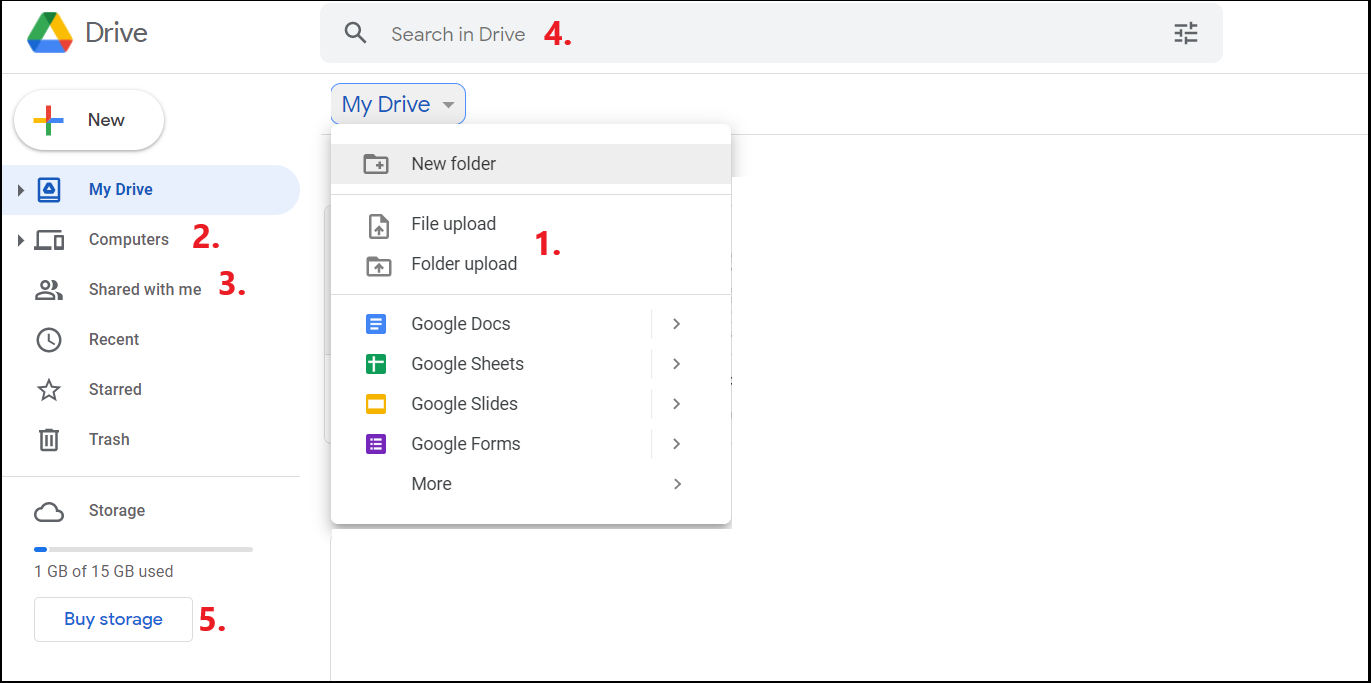
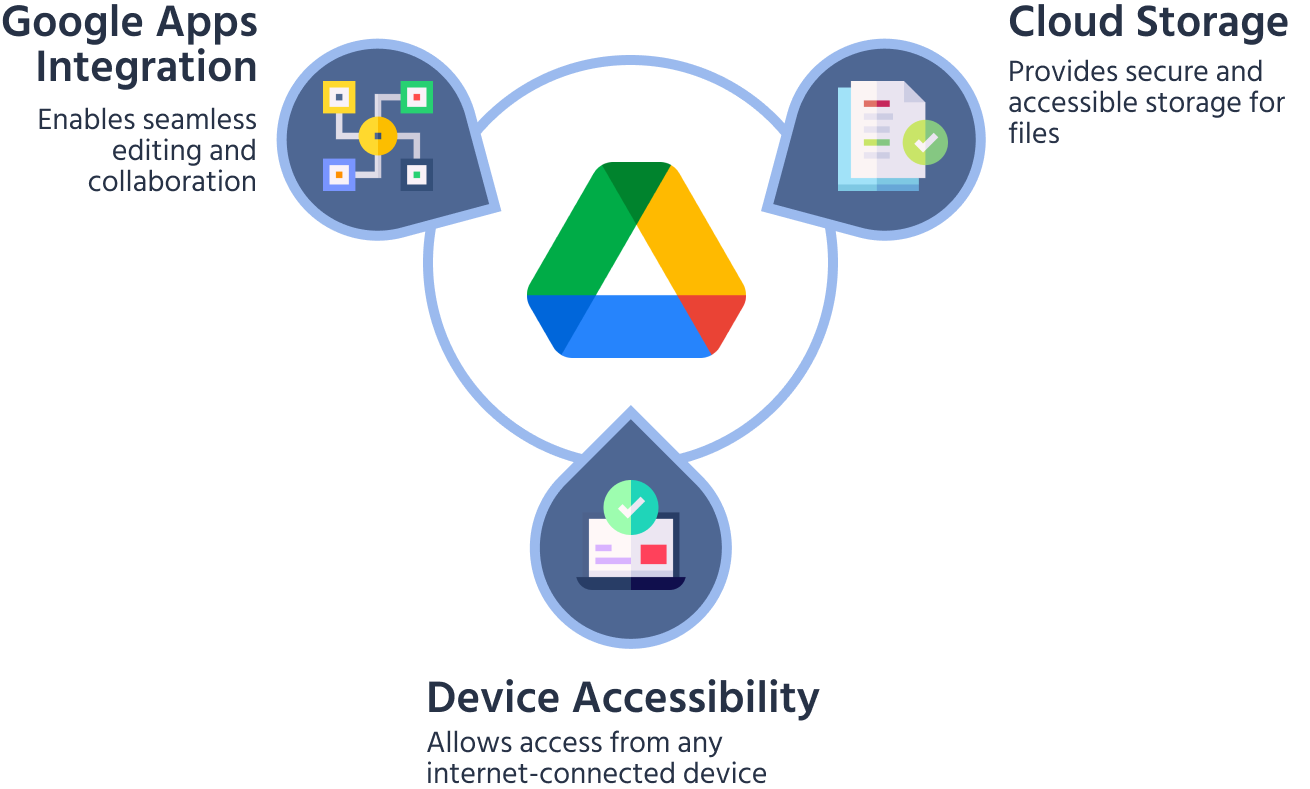
Connect AI to your documents via **Google Drive.
Capabilities:
Read PDFs/docs
Summarize files
Extract insights
Auto-generate reports
💡 Turn your messy files into structured knowledge.
7. API MCP Server
(Connect Anything)
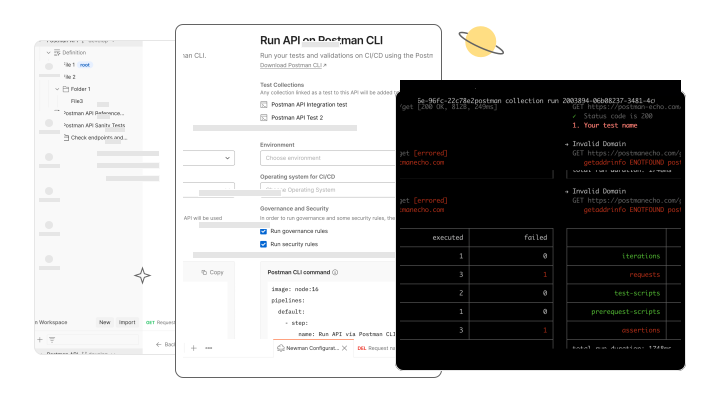

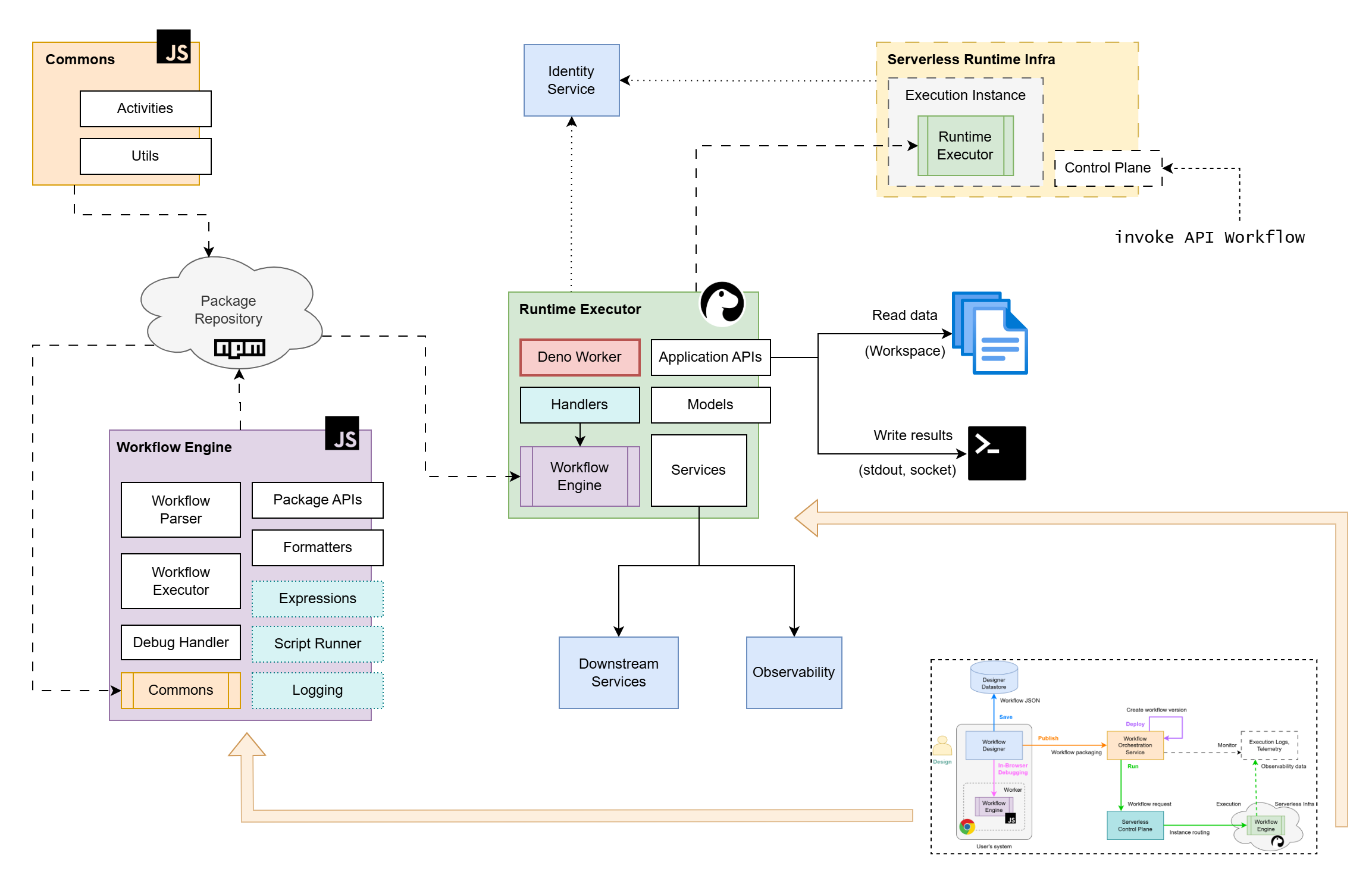
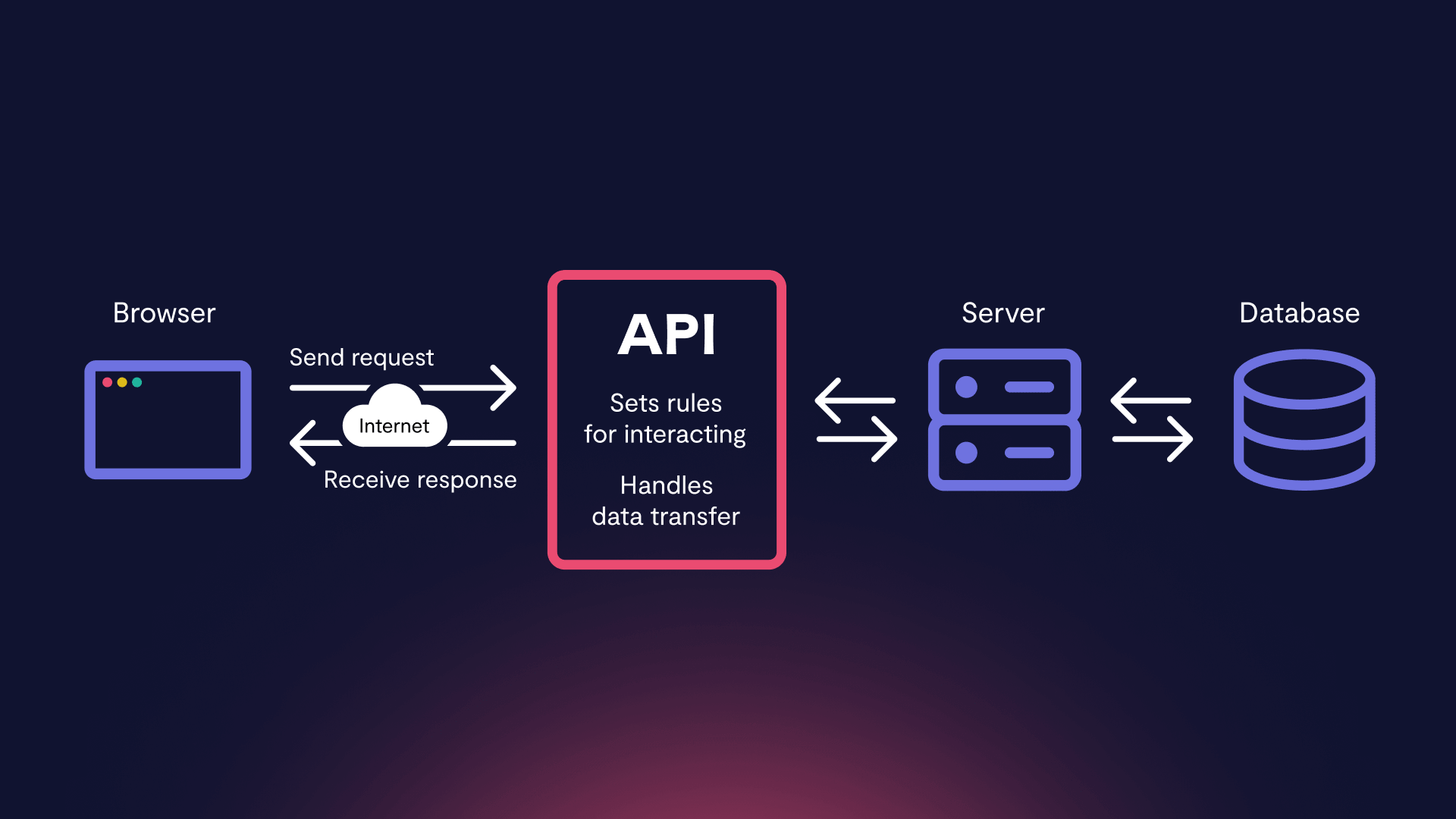
This is the most powerful one.
Why it matters:
Connect Stripe, Twilio, Notion, etc.
Trigger backend workflows
Build full automations
💡 Your AI becomes a universal controller.
8. Terminal MCP Server
(Command-Line Power)

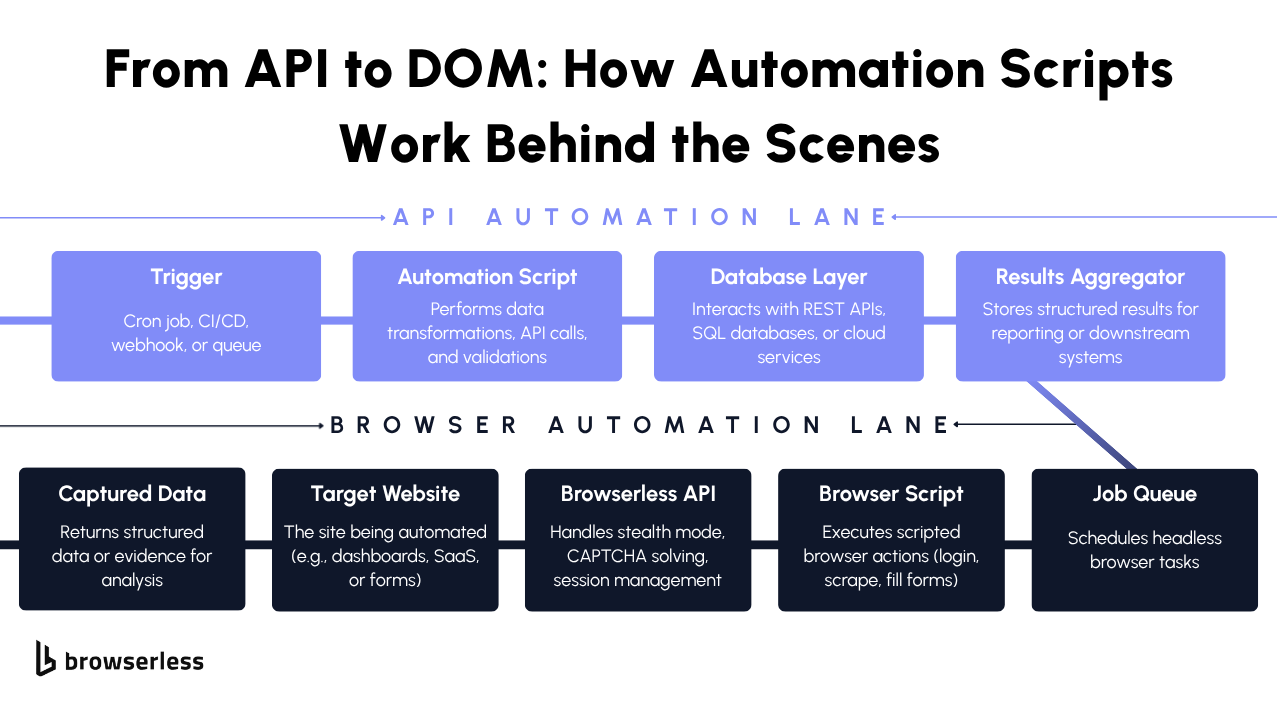


Gives AI access to your system shell.
What it enables:
Run scripts
Deploy apps
Install dependencies
Debug environments
💡 This is where AI becomes dangerously powerful (in a good way).
🧩 The Real Shift: From AI Chat → AI Agents
Without MCP:
AI = Smart answers
With MCP:
AI = Actions + Automation + Execution
This is the difference between:
❌ Asking for help
✅ Getting things done
⚠️ Why Most Developers Are Missing This
Because they’re stuck in:
Prompt engineering tutorials
Chat-based workflows
Surface-level AI usage
Meanwhile, advanced builders are:
Connecting tools
Building agents
Automating everything
🚀 How to Start Using MCP Today
Pick one MCP server (start with filesystem or GitHub)
Connect it to your AI workflow
Give your AI permission to act
Build small automations
Scale into full agents
💡 Final Thoughts
The AI revolution isn’t about better prompts.
It’s about better connections.
The winners in this space won’t be the ones who ask the best questions…
but the ones who build AI that can do the most work.
🔥 One-Line Takeaway
“AI without MCP is just a chatbot. AI with MCP is an operator.”
If you want, I can convert this into:
🧵 Viral Twitter thread
📈 SEO blog for ranking
🎯 Landing page copy for your product
Just tell me 👍